

If you build software, depend on software, or plan to work in tech, learning software testing basics is one of the most valuable skills you can develop early. Testing is not just about finding bugs. It is about reducing risk, protecting users, and helping teams release software with confidence. When testing is ignored or rushed, problems show up later in the most expensive ways possible.
Testing exists to support decision-making. It gives teams evidence about quality so they can decide whether software is ready to move forward or needs more work.
Note: Testing does not prove software is perfect. It provides confidence that the most important risks have been addressed.
Why Software Testing Matters
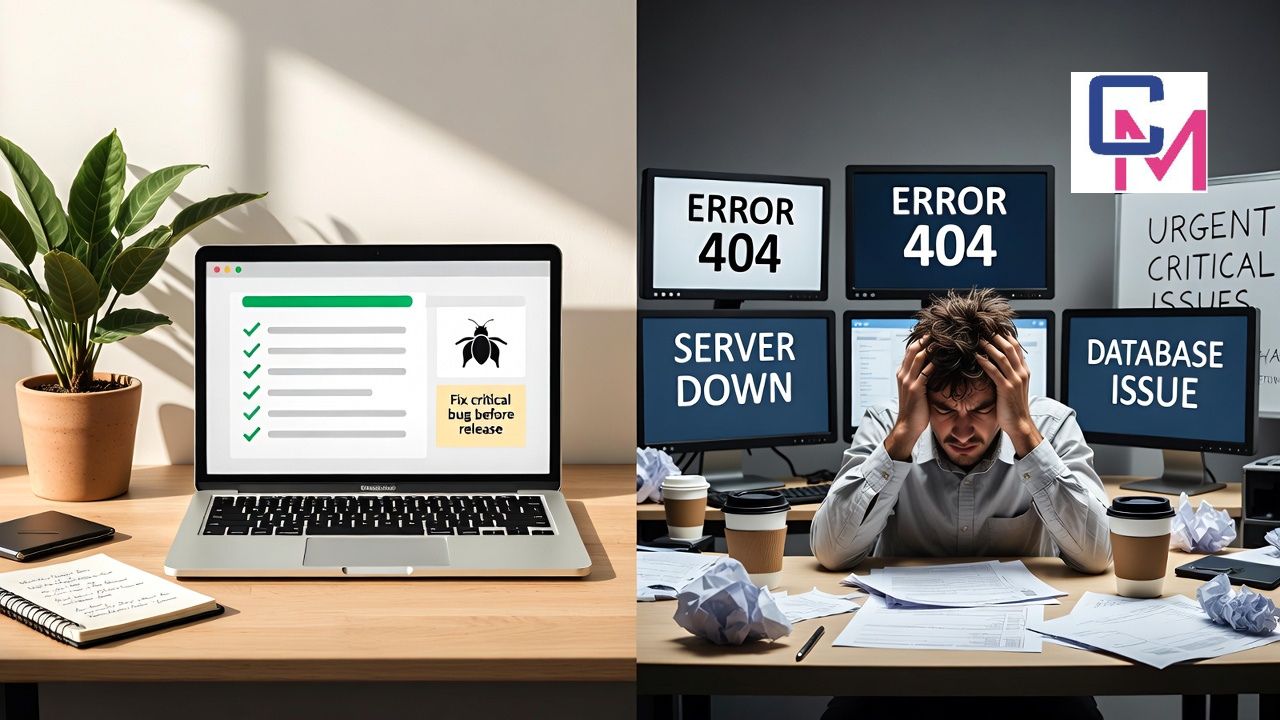
When software fails, the impact goes far beyond a broken feature. Users lose trust. Support teams get overwhelmed. Developers are pulled away from planned work to fix urgent issues. Testing helps prevent these situations by catching problems early, when they are easier and cheaper to fix.
Testing also improves long-term maintainability. Well-tested software is easier to change because teams understand how it behaves and where it is fragile. Without testing, every change becomes risky, and progress slows down over time.
Note: Fast teams are not the ones that skip testing. They are the ones that can release changes safely and consistently.
What Software Testing Really Means
At its core, software testing is the process of evaluating a system to determine whether it meets expectations and works as intended. This includes checking behavior, identifying defects, and assessing whether the software fulfills user and business needs.
Testing is not limited to running test cases. It includes reviewing requirements, discussing edge cases, preparing test data, executing checks, and learning from results. Testing happens throughout the development lifecycle, not only at the end.
Note: Good testing is about learning early, not reacting late.
Types of Testing You Should Know
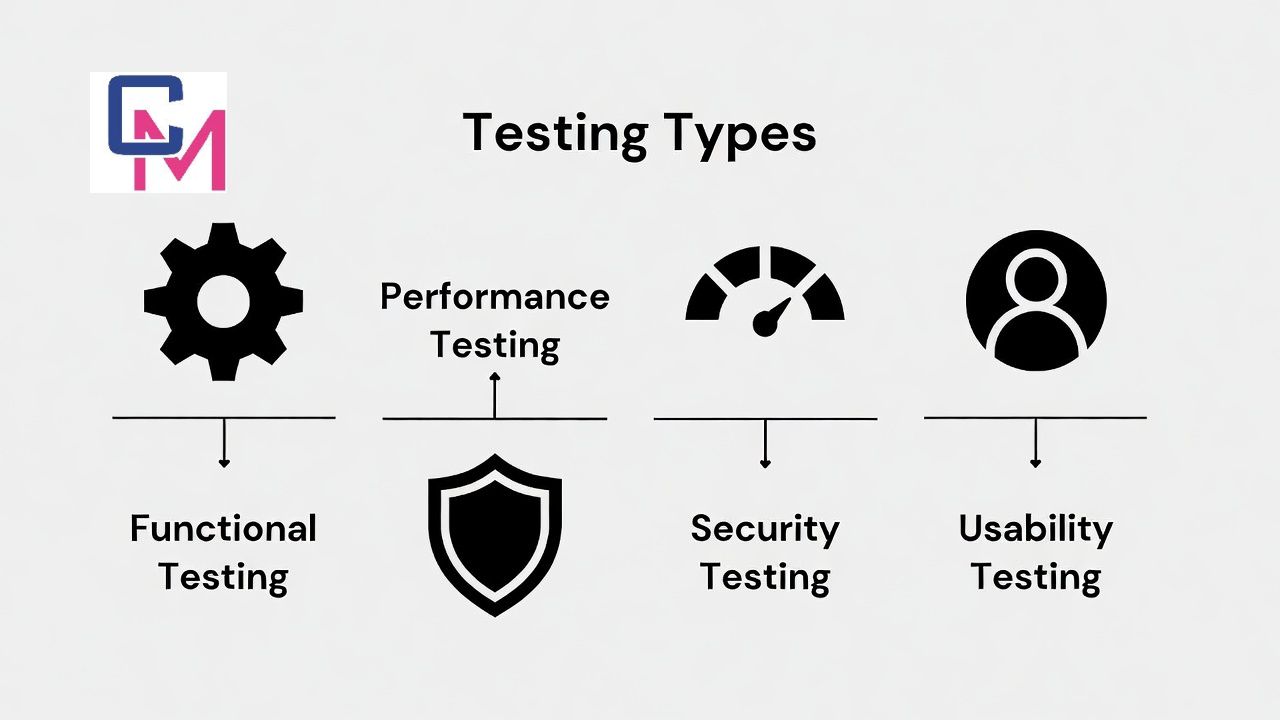
Understanding software testing basics means recognizing different types of testing and why they exist.
Functional testing focuses on what the system does. It verifies features, workflows, and business rules. Non-functional testing focuses on how the system behaves, including performance, security, usability, reliability, and accessibility.
Manual testing and automated testing serve different purposes. Manual testing allows human judgement, creativity, and exploration. Automated testing provides speed, consistency, and repeatability. Most successful teams use both.
Note: Automation supports testing. It does not replace thinking.
Common Testing Levels
Testing is often organized into levels to clarify scope and responsibility.
Unit testing checks small pieces of logic in isolation. Integration testing verifies that components work together correctly. System testing evaluates the complete application. Acceptance testing confirms that the software meets user and business expectations.
These levels help teams balance speed and coverage. Lower-level tests run quickly and catch problems early. Higher-level tests provide confidence that real workflows work as expected.
Note: The earlier a problem is found, the cheaper it is to fix.
Manual Testing Basics

Manual testing is a critical part of quality assurance. It involves observing, questioning, and experimenting with the software to uncover issues that automated tests may miss.
Effective manual testing includes:
- Understanding what the feature is supposed to do
- Verifying common user workflows
- Exploring edge cases and unusual inputs
- Observing usability and clarity
- Testing under realistic conditions
Manual testing often reveals problems related to user experience, unclear messages, and confusing behavior that cannot be easily detected by scripts.
Note: Manual testing brings human perspective into the testing process.
Automation Testing Basics

Automation testing involves writing scripts or checks that validate software behavior automatically. It is especially useful for regression testing, where the same checks must be run repeatedly after changes.
A strong automation approach focuses on:
- Core business logic
- Critical user journeys
- Areas prone to regression
Automation should be reliable and easy to maintain. Poorly designed automated tests can become a burden instead of a benefit.
Note: If automated tests slow development or constantly fail without clear reasons, they need improvement.
Key Testing Techniques
Several testing techniques form the foundation of software testing basics.
Black box testing focuses on inputs and outputs without considering internal code structure. White box testing considers internal logic and paths. Exploratory testing blends learning and testing in real time, allowing testers to adapt based on what they discover.
Each technique serves a purpose. The most effective testers choose techniques based on risk, context, and goals rather than habit.
Note: The best testing technique is the one that finds meaningful problems early.
The Software Testing Life Cycle
Testing follows a logical flow, even when processes are lightweight.
First, teams plan what needs to be tested and why. Next, they prepare test data and environments. Then, they execute tests and record results. Defects are reported clearly and tracked. Finally, teams review what was learned and improve future testing.
This cycle helps teams continuously refine their understanding of the product and its risks.
Note: Testing improves when teams treat it as a learning process, not a checklist.
Common Mistakes in Software Testing
Many beginners make similar mistakes, and that is normal.

One common mistake is relying only on automated tests. Another is testing too late in the development process. Some teams also write tests that do not reflect real user behavior, focusing only on ideal scenarios.
Avoiding these mistakes requires balance, early involvement, and curiosity about how users actually interact with software.
Note: Testing for perfect behavior ignores how real users behave.
Testing in Agile and Modern Development
In modern development environments, testing is integrated into daily work. In Agile teams, testers, developers, and product owners collaborate closely. Testing activities happen alongside development, not after it.
Continuous testing supports frequent releases by providing fast feedback. Automated tests run as part of build pipelines, while manual testing focuses on exploration and risk assessment.
Note: Agile testing prioritizes fast feedback over exhaustive documentation.
Skills Every Beginner Tester Should Build
Technical knowledge helps, but mindset matters more.
Strong testers are curious. They ask questions, look for patterns, and think about what could go wrong. They communicate clearly, writing defect reports that save time instead of creating confusion.
Attention to detail, analytical thinking, and collaboration are more valuable than memorizing tools.
Note: A tester’s role is to improve understanding, not assign blame.
Getting Started With Software Testing Basics
You can start practicing software testing basics without formal training.
Choose an application you use often. Identify common tasks. Try performing them under different conditions, such as incorrect input, interruptions, or repeated actions. Observe how the system responds.
Practice writing clear bug reports. Focus on what happened, what you expected, and how to reproduce the issue.
If you write code, add tests for important logic. If you do not, focus on scenario design and risk identification.
Note: Real learning comes from testing real systems and reflecting on mistakes.
Final Thoughts
Understanding software testing basics helps you build better software and become a more valuable team member. Testing is about responsibility, learning, and confidence. It supports users by reducing failures and supports teams by making change safer.
You do not need to test everything. You need to test what matters most.
Note: Start small, test thoughtfully, and keep your focus on real user risk. That is the foundation of effective software testing.
A Practical Look at Zenvekeypo4 Software for Everyday Use
Frequently Asked Questions
What are software testing basics?
Software testing basics refer to the fundamental practices used to evaluate whether software works as expected. This includes checking functionality, identifying defects, and ensuring the system meets user needs before release.
Why is software testing important?
Software testing helps reduce failures, protect users, and improve product reliability. It allows teams to find problems early, when fixes are less costly and less disruptive.
Is software testing only for testers?
No. Developers, product managers, and even designers benefit from understanding software testing basics. Testing works best when it is a shared responsibility across the team.
Can beginners learn software testing without coding?
Yes. Many testing activities, such as manual testing, exploratory testing, and test case design, do not require coding skills. Coding becomes useful when working with automation.
How do I start learning software testing basics?
Start by testing real applications, observing user behavior, and practicing clear defect reporting. Understanding risks and asking the right questions are more important than tools at the beginning.
About the Author
Waqar Ashraf is the Founder and Editor of Closer Magazine. He publishes informative and engaging content covering lifestyle, entertainment, wellness, trending topics, and digital culture.
Through Closer Magazine, Waqar aims to provide accurate, reader-friendly, and valuable information for audiences worldwide.
📧 closermagazine0@gmail.com
🌐 CloserMagazine.co.uk