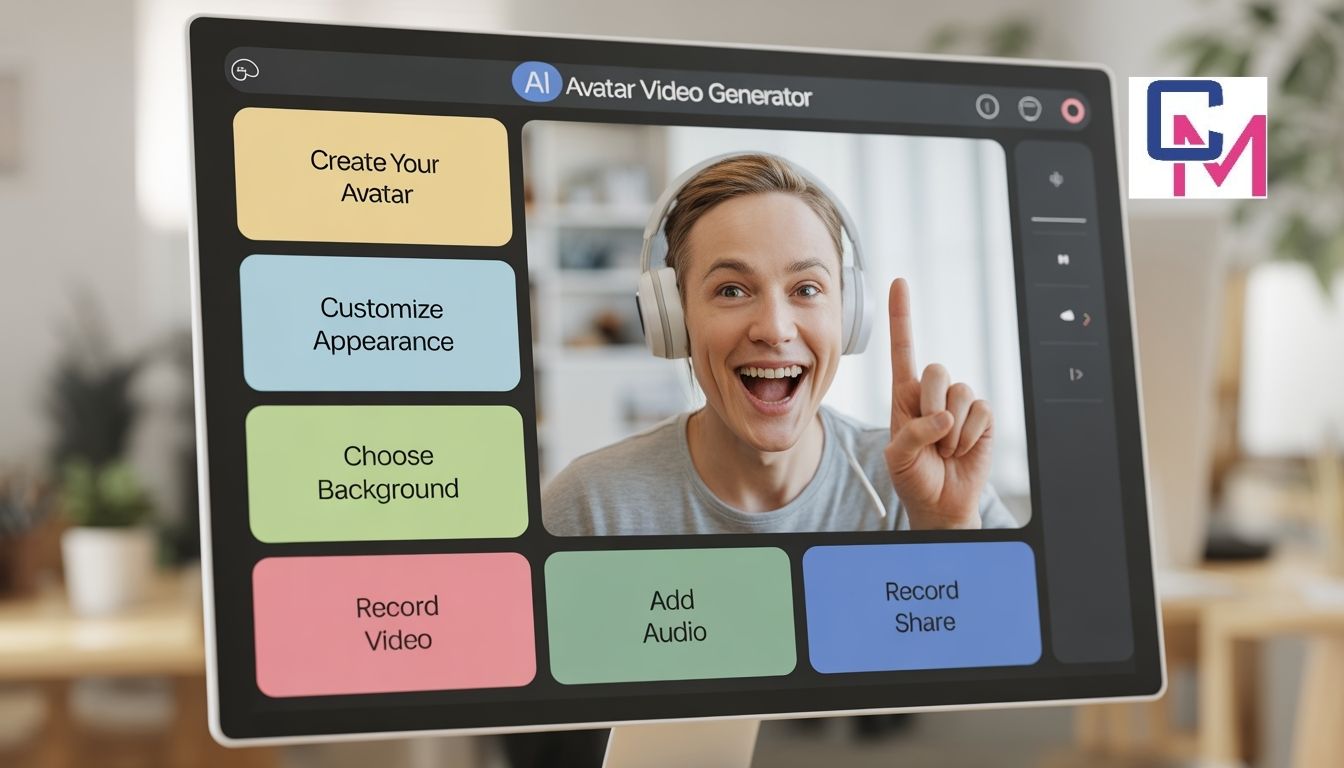

Creating videos no longer requires a camera, studio setup, or on-screen confidence. Thanks to rapid advances in artificial intelligence, beginners can now create professional-looking videos using AI-generated avatars that speak, gesture, and present content on their behalf.
AI avatar tools are especially useful for beginners who want to create explainers, training content, product walkthroughs, or social media videos without appearing on camera. These tools focus on simplicity, automation, and accessibility, making them ideal for users with little to no video editing experience.
In this guide, we’ll explore six easy-to-use AI avatar video generator tools for beginners, starting with invideo and followed by other beginner-friendly options worth exploring.
Why AI Avatar Video Tools Are Beginner-Friendly
AI avatar tools remove many of the traditional barriers to video creation. You don’t need expensive equipment, advanced editing skills, or presentation experience. Most platforms guide users through the process step by step, allowing them to focus on the message rather than the mechanics.
For beginners, these tools offer faster video creation without filming, consistent on-screen presenters, easy script-based workflows, and minimal learning curves. As a result, AI avatars are increasingly used for educational videos, internal communication, marketing explainers, and onboarding content.
1. Invideo
Invideo is known for simplifying video creation, and its AI avatar capabilities extend that same beginner-first approach. With its AI avatar feature, users can clone themselves or create digital presenters to deliver content without stepping in front of a camera.
The invideo AI avatar video generator allows beginners to turn scripts into videos featuring realistic AI avatars. Instead of recording multiple takes, users can rely on an AI twin to narrate learning and development videos, explainers, product demos, corporate videos, and other professional content.
What makes invideo suitable for beginners is its focus on clarity and control. The interface is designed to guide users through avatar selection, script input, and video creation without overwhelming them. For someone new to avatar-based video creation, this approach helps reduce friction while maintaining a professional output.
Rather than positioning itself as a replacement for creativity, invideo treats AI avatars as a practical tool for communicating ideas visually and consistently.
2. Gan.ai
Gan.ai is an AI-powered platform that focuses on personalized video experiences using avatars and voice technology. While it is often used for business communication, its streamlined workflow makes it accessible to beginners as well.
Users can create avatar-led videos by entering scripts and selecting voice or avatar variations. The platform emphasizes natural speech patterns and realistic delivery, which helps beginner-created videos feel more engaging and less robotic.
Gan.ai works well for users who want to create simple explanatory videos or personalized messages without dealing with complex editing tools.
3. TalkingAvatar.ai
TalkingAvatar.ai is designed specifically for generating talking-head style avatar videos. The tool allows users to upload text or audio and convert it into a video featuring a digital avatar that lip-syncs naturally.
For beginners, TalkingAvatar.ai stands out because of its narrow focus. Instead of offering dozens of advanced features, it concentrates on turning scripts into avatar-led videos quickly. This makes it an excellent entry point for users who want to understand how AI avatars work before moving on to more advanced platforms.
It is commonly used for short explainers, announcements, and educational content.
4. KreadoAI
KreadoAI is a beginner-friendly AI avatar video tool that prioritizes speed and simplicity. Users can create avatar videos by choosing a character, adding text, and generating a finished video in just a few steps.
The platform is well suited for creators who want to produce short-form content such as micro-learning videos or social media explainers. Its interface avoids unnecessary complexity, making it easier for beginners to feel comfortable using AI avatars.
KreadoAI is a practical option for users who want quick results without a steep learning curve.
5. AvatarSDK
AvatarSDK focuses on creating highly customizable digital avatars. Users can design avatars based on photos or predefined styles and animate them using AI-driven facial expressions and voice input.
Although AvatarSDK offers deeper customization than some beginner tools, its guided setup process keeps it accessible for first-time users. Beginners who want more control over avatar appearance without learning animation software may find this tool appealing.
AvatarSDK is commonly used for educational content, virtual assistants, and interactive video experiences.
6. Jogg.ai
Jogg.ai is an AI-powered platform designed to turn scripts into engaging videos using avatars and automated visuals. It balances creative flexibility with ease of use, making it suitable for beginners.
Users can create presenter-style videos for tutorials, internal updates, or online content without spending excessive time on production. Jogg.ai’s automation features help beginners maintain consistency while experimenting with different video formats.
Understanding the Role of AI Video Apps in Content Creation
AI avatars are part of a broader ecosystem of AI video apps that are reshaping how beginners approach video creation. These apps automate tasks like voice generation, character animation, and scene timing, which previously required manual effort and technical expertise.
For beginners, AI video apps act as supportive tools rather than complex software. They make it easier to experiment with video formats, test messaging, and publish content quickly. AI avatar tools fit naturally into this category by offering presenter-led videos that feel familiar, even when fully automated.
As AI video apps continue to evolve, they are becoming less about replacing human creativity and more about enabling creators to focus on storytelling and communication.
How Beginners Should Choose the Right AI Avatar Tool
Choosing the right AI avatar tool depends on simplicity and use case rather than advanced features. Beginners should look for platforms that guide them through the creation process and help them publish videos quickly.
Key factors to consider include ease of use, intended content type, avatar style, and time investment. Starting with a simple tool allows beginners to build confidence before exploring more advanced workflows.
Final Thoughts
AI avatar video tools are making video creation more accessible than ever. By removing the need for cameras, editing expertise, and on-screen presence, these tools allow beginners to focus on communication rather than production.
From invideo’s approachable AI avatar capabilities to focused platforms like TalkingAvatar.ai and KreadoAI, beginners now have multiple options to explore avatar-led video creation. As AI technology continues to advance, these tools are likely to become an essential part of how individuals and teams create videos efficiently.
For beginners, the key is to start simple, experiment gradually, and use AI avatars as a creative assistant rather than a replacement for original ideas.
Enaos68 Explained in Simple Terms for Curious Readers
About the Author
Waqar Ashraf is the Founder and Editor of Closer Magazine. He publishes informative and engaging content covering lifestyle, entertainment, wellness, trending topics, and digital culture.
Through Closer Magazine, Waqar aims to provide accurate, reader-friendly, and valuable information for audiences worldwide.
📧 closermagazine0@gmail.com
🌐 CloserMagazine.co.uk